
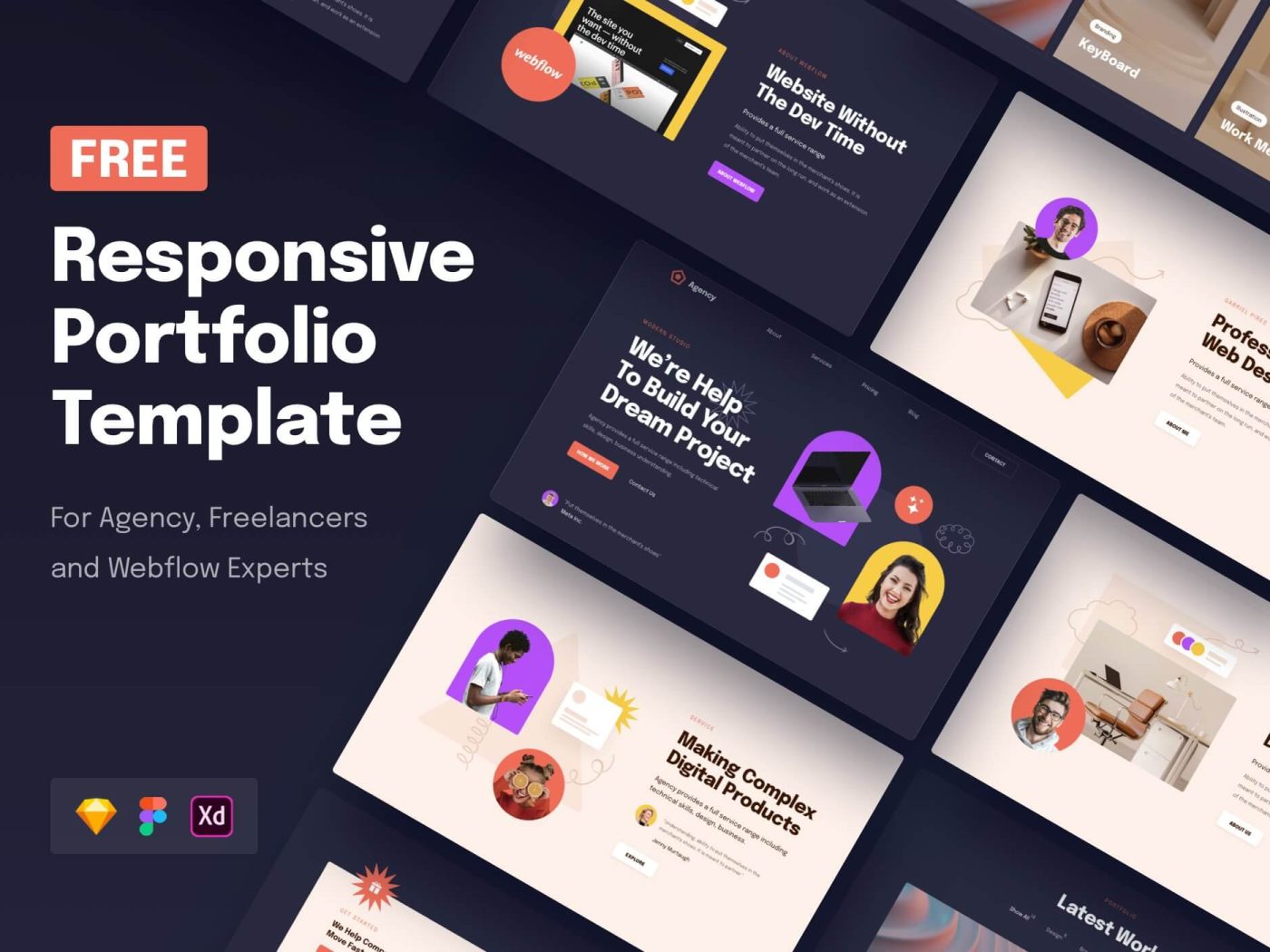
The Power of Adobe XD in Web Design
Adobe XD has revolutionized the way designers create websites and user interfaces. With its intuitive interface and powerful features, Adobe XD has become a go-to tool for many professionals in the industry.
One of the key advantages of Adobe XD is its seamless integration with other Adobe Creative Cloud apps, such as Photoshop and Illustrator. This allows designers to easily transfer assets between programs and maintain consistency throughout their design process.
Adobe XD also offers a range of tools specifically tailored for web design, such as responsive resizing and repeat grid functionality. These features make it easy for designers to create responsive layouts that adapt to different screen sizes and resolutions.
Prototyping is another area where Adobe XD excels. Designers can quickly create interactive prototypes with transitions, animations, and user interactions without writing a single line of code. This allows for rapid iteration and testing of design ideas.
Collaboration is made simple with Adobe XD’s cloud-based sharing capabilities. Designers can easily share their work with clients or team members for feedback and review, streamlining the feedback process and ensuring everyone is on the same page.
In conclusion, Adobe XD has become an indispensable tool for web designers looking to create modern, responsive, and interactive websites. Its robust feature set, seamless integration with other Adobe apps, prototyping capabilities, and collaboration tools make it a must-have for any designer serious about their craft.
Essential FAQs on Using Adobe XD for Web Design
- 1. What is Adobe XD and how is it used in web design?
- 2. What are the key features of Adobe XD that make it ideal for web design?
- 3. How does Adobe XD integrate with other Adobe Creative Cloud apps for web design projects?
- 4. Can you explain the responsive resizing feature in Adobe XD and its importance in web design?
- 5. How does prototyping work in Adobe XD and why is it beneficial for web designers?
- 6. What are some best practices for using repeat grid functionality in Adobe XD for web design projects?
- 7. How can designers leverage Adobe XD’s collaboration tools to streamline teamwork on web design projects?
- 8. Are there any resources or tutorials available to help beginners learn Adobe XD specifically for web design purposes?
1. What is Adobe XD and how is it used in web design?
Adobe XD is a versatile design tool developed by Adobe that is specifically tailored for creating websites and user interfaces. It offers a range of features and functionalities that make it a popular choice among web designers. Adobe XD allows designers to create wireframes, mockups, and prototypes with ease, enabling them to visualise the layout and interactions of a website before the actual development process begins. Its intuitive interface, responsive resizing tools, and prototyping capabilities streamline the design workflow, making it easier for designers to iterate on their ideas and collaborate with clients or team members. In essence, Adobe XD is a powerful tool that empowers web designers to bring their creative visions to life in a user-friendly and efficient manner.
2. What are the key features of Adobe XD that make it ideal for web design?
One of the frequently asked questions about Adobe XD in web design is: “What are the key features of Adobe XD that make it ideal for web design?” Adobe XD stands out for its seamless integration with other Adobe Creative Cloud apps, enabling designers to effortlessly transfer assets between programs like Photoshop and Illustrator. Its dedicated tools for web design, such as responsive resizing and repeat grid functionality, empower designers to create adaptable layouts that cater to various screen sizes and resolutions. Moreover, Adobe XD’s prototyping capabilities allow designers to swiftly build interactive prototypes with animations and user interactions, facilitating quick iteration and testing of design concepts. Additionally, the cloud-based sharing feature streamlines collaboration by enabling easy sharing of designs for feedback and review among clients and team members. These key features collectively make Adobe XD a powerful tool for modern web design projects.
3. How does Adobe XD integrate with other Adobe Creative Cloud apps for web design projects?
Adobe XD seamlessly integrates with other Adobe Creative Cloud apps to enhance the web design process. Designers can easily transfer assets, such as graphics and vectors, between Adobe XD, Photoshop, and Illustrator, ensuring consistency across all design elements. This integration streamlines the workflow for web design projects, allowing designers to leverage the unique features of each app to create cohesive and visually stunning websites. By harnessing the power of Adobe Creative Cloud apps in conjunction with Adobe XD, designers can elevate their design capabilities and produce professional results efficiently and effectively.
4. Can you explain the responsive resizing feature in Adobe XD and its importance in web design?
The responsive resizing feature in Adobe XD is a powerful tool that allows designers to create layouts that automatically adjust and adapt to different screen sizes and resolutions. This feature enables designers to design once and ensure that their creations look great on various devices, from desktops to smartphones. Responsive resizing saves time by eliminating the need to manually adjust elements for different screen sizes, streamlining the design process and ensuring consistency across all platforms. In web design, where user experience is paramount, the responsive resizing feature in Adobe XD plays a crucial role in creating websites that are visually appealing and functional across a range of devices, ultimately enhancing usability and accessibility for all users.
5. How does prototyping work in Adobe XD and why is it beneficial for web designers?
Prototyping in Adobe XD offers web designers a dynamic platform to bring their designs to life through interactive mockups. By utilising features like transitions, animations, and user interactions, designers can create prototypes that closely simulate the user experience of a website or app without the need for coding. This allows designers to test and iterate on their design ideas quickly, gather valuable feedback from stakeholders, and ensure that the final product meets user expectations. The benefits of prototyping in Adobe XD are manifold – it helps in visualising design concepts more effectively, identifying potential usability issues early in the design process, improving communication with clients or team members, and ultimately streamlining the overall web design workflow for a more efficient and successful project outcome.
6. What are some best practices for using repeat grid functionality in Adobe XD for web design projects?
When it comes to utilising the repeat grid functionality in Adobe XD for web design projects, there are several best practices to keep in mind. Firstly, ensure consistency by using the repeat grid feature for elements that need to be repeated across multiple sections of your design, such as navigation menus or card layouts. Secondly, leverage the padding and spacing options within the repeat grid tool to maintain uniformity and alignment between repeated elements. Additionally, remember to customise each instance within the repeat grid as needed while preserving the overall styling and structure. By following these best practices, designers can streamline their workflow, maintain design consistency, and create visually cohesive web designs efficiently using Adobe XD’s powerful repeat grid feature.
7. How can designers leverage Adobe XD’s collaboration tools to streamline teamwork on web design projects?
Designers can leverage Adobe XD’s collaboration tools to streamline teamwork on web design projects by taking advantage of its cloud-based sharing capabilities. With Adobe XD, designers can easily share their work with team members or clients, allowing for real-time feedback and collaboration regardless of geographical location. This seamless sharing process ensures that all stakeholders are on the same page, leading to more efficient communication, faster decision-making, and ultimately, a smoother workflow throughout the web design project. By utilising Adobe XD’s collaboration tools effectively, designers can enhance teamwork, improve project efficiency, and deliver exceptional results.
8. Are there any resources or tutorials available to help beginners learn Adobe XD specifically for web design purposes?
For beginners looking to learn Adobe XD for web design purposes, there is a wealth of resources and tutorials available to help kickstart their journey. Online platforms such as Adobe’s official website, YouTube channels dedicated to design tutorials, and design communities like Behance offer a plethora of step-by-step guides, video tutorials, and tips tailored specifically for beginners. These resources cover everything from the basics of using Adobe XD to more advanced techniques for creating stunning web designs. Whether you prefer written guides or interactive video lessons, there are ample resources out there to support beginners in mastering Adobe XD for their web design projects.
Leave a Reply